/uses
Borrowing from the /uses convention — the hardware, software, and corner of the room where the work actually happens. This is the rig running the case studies — the one that pushed Einstein@Home from 1.2M to 6.2M RAC/day with a Linux Mint partition and some patience.
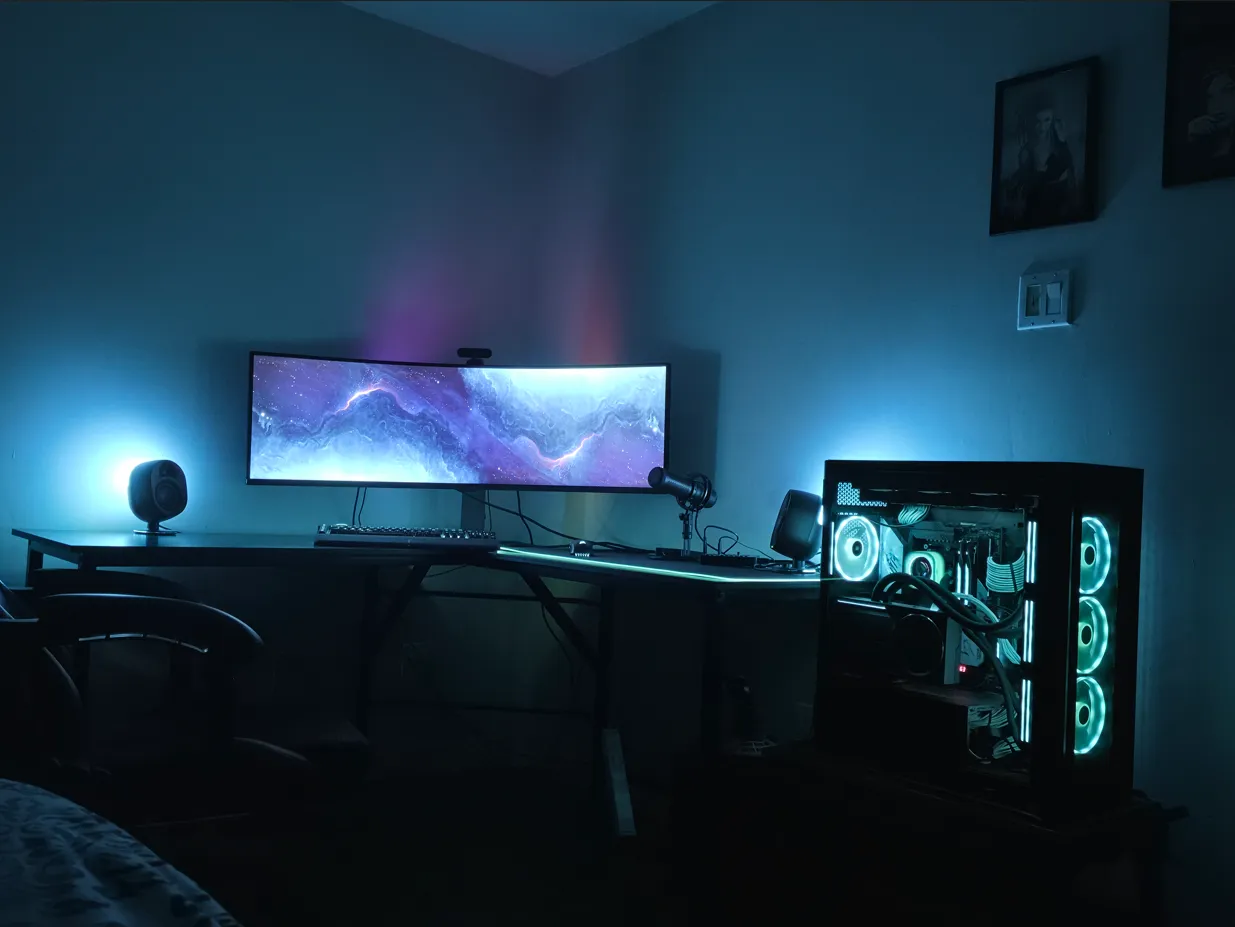
Workstation
- CPU
- AMD Ryzen 9 9950X3D
- GPU
- ASUS ROG Astral RTX 5090 LC OC
- Memory
- Trident Z Neo RGB 64GB DDR5-6000
- Motherboard
- ASRock X670E Taichi Carrara
- Case
- Corsair 7000X
- CPU Cooling
- Corsair iCUE H170i 420mm AIO
- Storage
- 2× WD SN850 NVMe(2TB), 1x Crucial T700(1TB), 1x Crucial T705(2TB)
Peripherals
- Monitor
- Samsung Odyssey G9 (49" curved ultrawide)
- Keyboard
- Corsair K100 RGB
- Mouse
- Corsair Nightsabre Wireless
Software
- OS
- Windows 11 Pro & Linux Mint 22 Cinnamon (dual-boot)
- Editor
- Visual Studio Code
- Version control
- Git, GitHub
- Package managers
- npm, pnpm, pip
Why dual-boot?
Windows handles desktop life — games, Discord, the bulk of class work. Linux Mint runs the GPU-compute workload (Einstein@Home via BOINC, with CUDA MPS), because the Windows Display Driver Model adds enough scheduling overhead to the CUDA dispatch path that I lose roughly 80% of the achievable throughput. That whole story is the Einstein@Home case study.